
How do I add a service?
For: Owner, Manager
In short
In “Settings › Services & prices”, tap “Add service”. Enter the service name, add at least one option with a length and a price, then tap “Save”.
Steps
- Go to “Settings › Services & prices” and tap “Add service”.
- In “Service name”, enter the name in Chinese and tap “Translate”. Check the English under “What customers see”. If it's wrong, edit it.
- If you like, fill in “Description (optional)”.
- Under “Options”, tap “Add option”. Set the “Length” and the “Price”, then tap “Save”.
- If the service comes in different lengths or prices, add another option. Use “Option name (optional)” to show the difference.
- If you like, choose a “Category” below the options.
- Tap “Save” in the top right corner. When you see “Service added”, you're done.
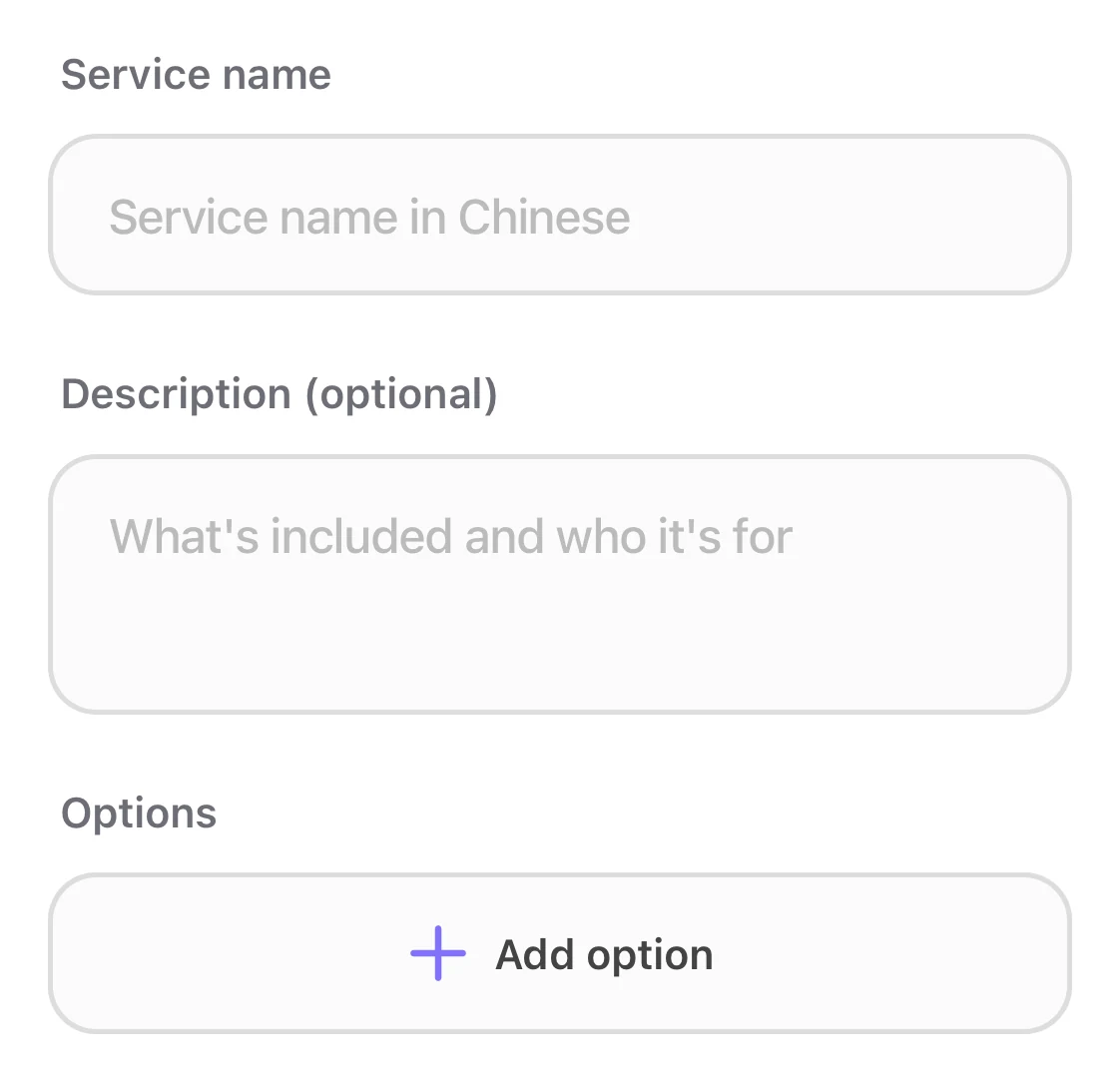
The empty Add service form: Service name, Description (optional), and Add option.
Good to know
- The length goes up and down in steps of 15 minutes. You see “Minimum length: 15 min” and “Maximum length: 240 min” at the limits.
- If you leave the price empty, customers see “Price TBD”. If you enter 0, it shows “Free”.
- “Needs two professionals”: two staff members work on one customer at the same time.
- “Bookable online” is on to start, so customers can book this service online.
- A new service is added to every staff member who does all services. For someone who does only some services, check it on their profile.How do I set a staff member's services and hours?