
How do I set my business hours?
For: Owner, Manager
In short
Go to “Settings › Business hours”, set an opening and closing time for each day, and tap “Save”. Customers can only book online inside these hours.
Steps
- Go to “Settings › Business hours”.
- Each day has a switch on the right. Turn it on if you are open that day. Turn it off and the day shows “Closed”.
- For an open day, tap the time on the left to choose the opening time. Then tap the time on the right to choose the closing time. Times go in half-hour steps.
- Tap “Save” at the top right.
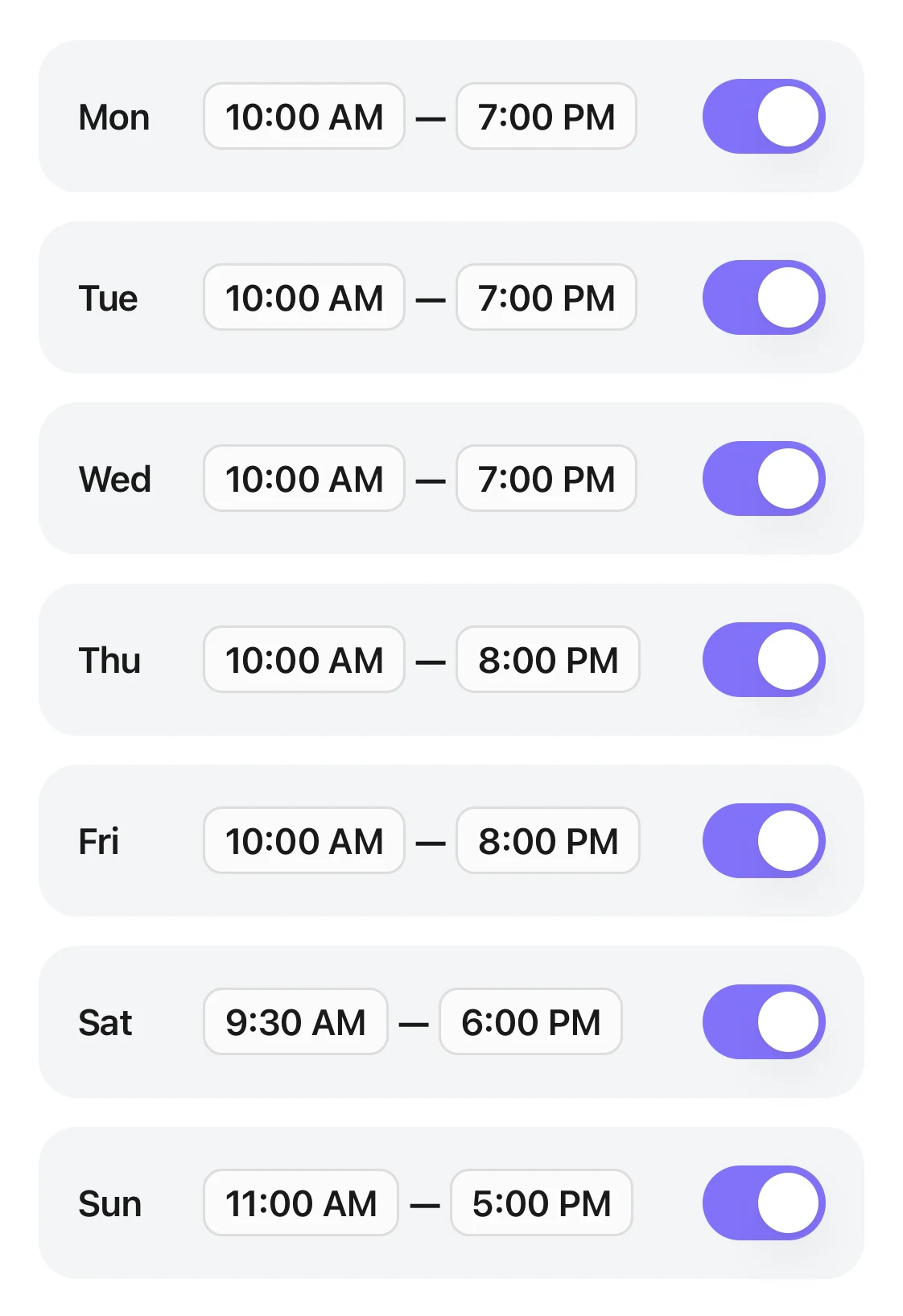
The Business hours page: one start and end time for each day, with every switch on the right turned on.
Good to know
- Each day has one block of hours. The closing time must be later than the opening time. If it isn't, the row turns red and you can't save.
- If all seven days are off, you see “After you save, customers can't book online.”
- A staff member's hours never go past your business hours.How do I set a staff member's services and hours?
- For a holiday or a one-time closed day, don't change your hours here.How do I stop bookings on a holiday or a closed day?