
Where is my booking link? How do I share it or download a QR code?
For: Owner, Manager
In short
Your booking link is on the “Website status” page. It looks like hikaila.com/s/ followed by your business name. Tap “Share link” to copy the link or download a QR code.
Steps
- Open “Settings” and tap “Booking site” at the top.
- On the “Website status” page, your link is under the photo. Tap “Share link”.
- Tap “Copy link”. When you see “Copied”, you can paste it into a text message, WeChat, or social media.
- Tap “Download QR code” to save the QR code image. You can print it on business cards or put it up in your business. Customers scan it to book.
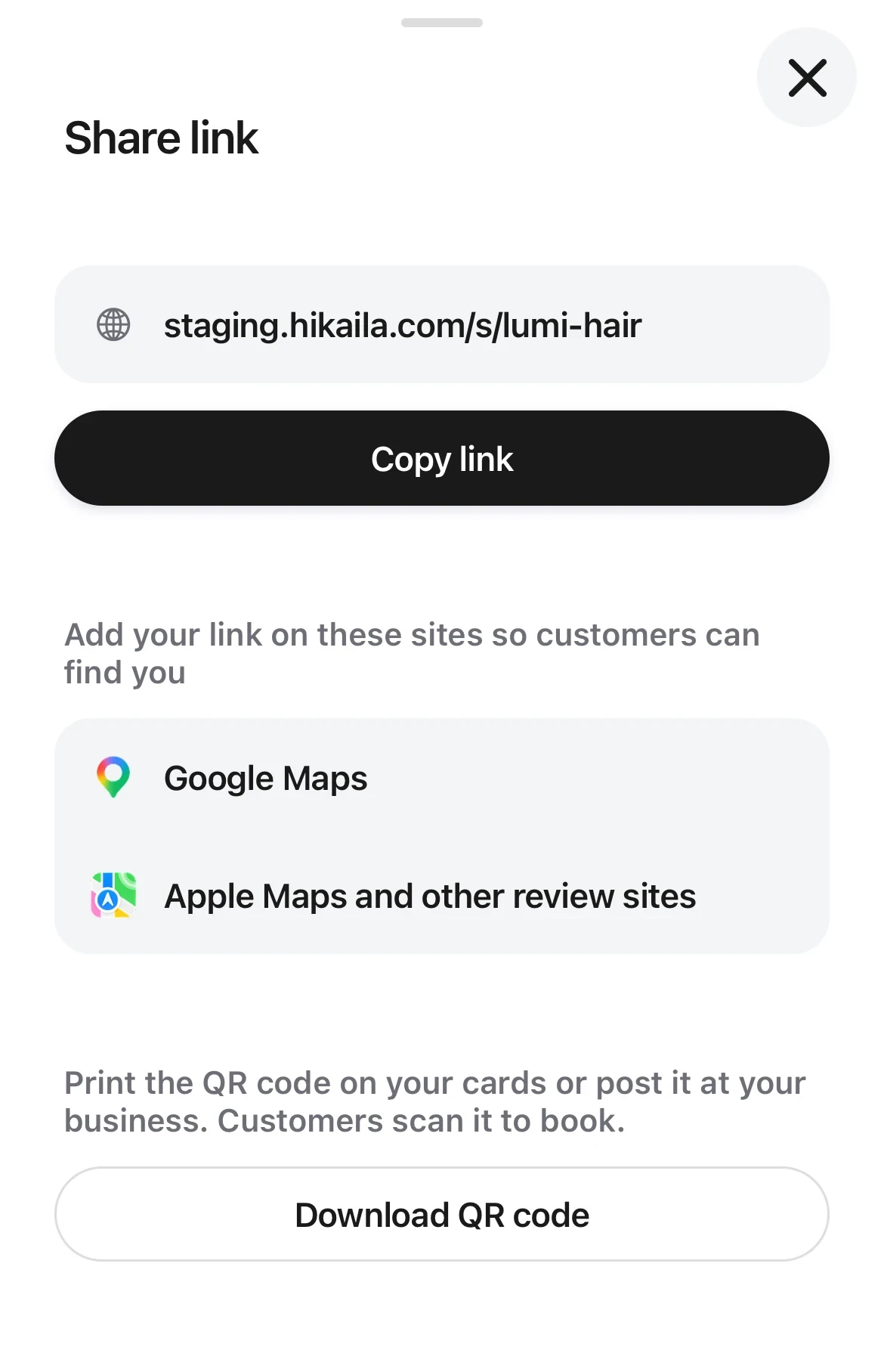
The Share link panel: the booking link, Copy link, the map sites, and Download QR code.
Good to know
- You can also add the link to your business page on “Google Maps” and on “Apple Maps and other review sites”. This helps customers find you.
- In the Kaila app on iPhone or iPad, “Download QR code” opens the share sheet. From there you can save it to Photos or print it.
- To see what customers see, tap “View site” on the photo in “Website status”.
- To change your link, contact Kaila.