
A staff member left. What happens to their appointments?
For: Owner, Manager
In short
When a staff member leaves, their upcoming appointments stay. Move these appointments to other staff members on the calendar.
This happens when a staff member leaves your business on their own, or when you remove a staff member who still has appointments.
What you see
- In “Activity”, a card such as “Maria left · 3 appointments to move”.
- In “Calendar”, their column shows “Left the team”.
- In “Settings › Staff”, they show as “Left the team”. Open their profile to see how many upcoming appointments they still have.
Steps
- Open “Calendar” and find each of their appointments.
- Move each appointment to another staff member.How do I change an appointment's time, service or staff member?
- When all of them are moved, the card in “Activity” goes away.
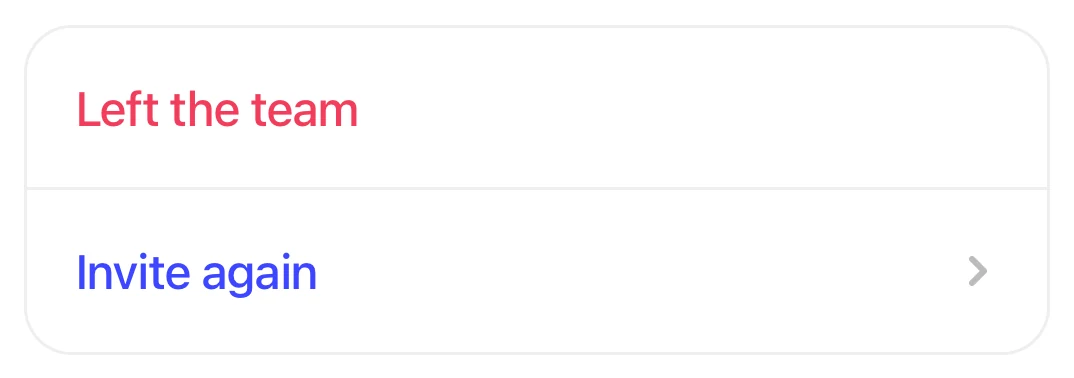
A staff profile showing Left the team in red, with Invite again below.
Good to know
- A staff member who left can't open your business in Kaila anymore, and customers can't book them online.
- To bring them back: on their profile, tap “Invite again”.
- If you don't need them anymore: on their profile, tap “Remove from team”. Once all their appointments are moved, they leave the staff list.