
How do I leave a business?
For: Manager, Front desk, Professional
In short
Tap “Leave this business” in “Account › My businesses”. You can leave at any time.
Steps
- Open “Settings” and tap your picture at the top right to open “Account”. Then tap “My businesses”.
- Find the business you want to leave and tap the red “Leave this business” under it.
- Read the message, then tap “Leave”.
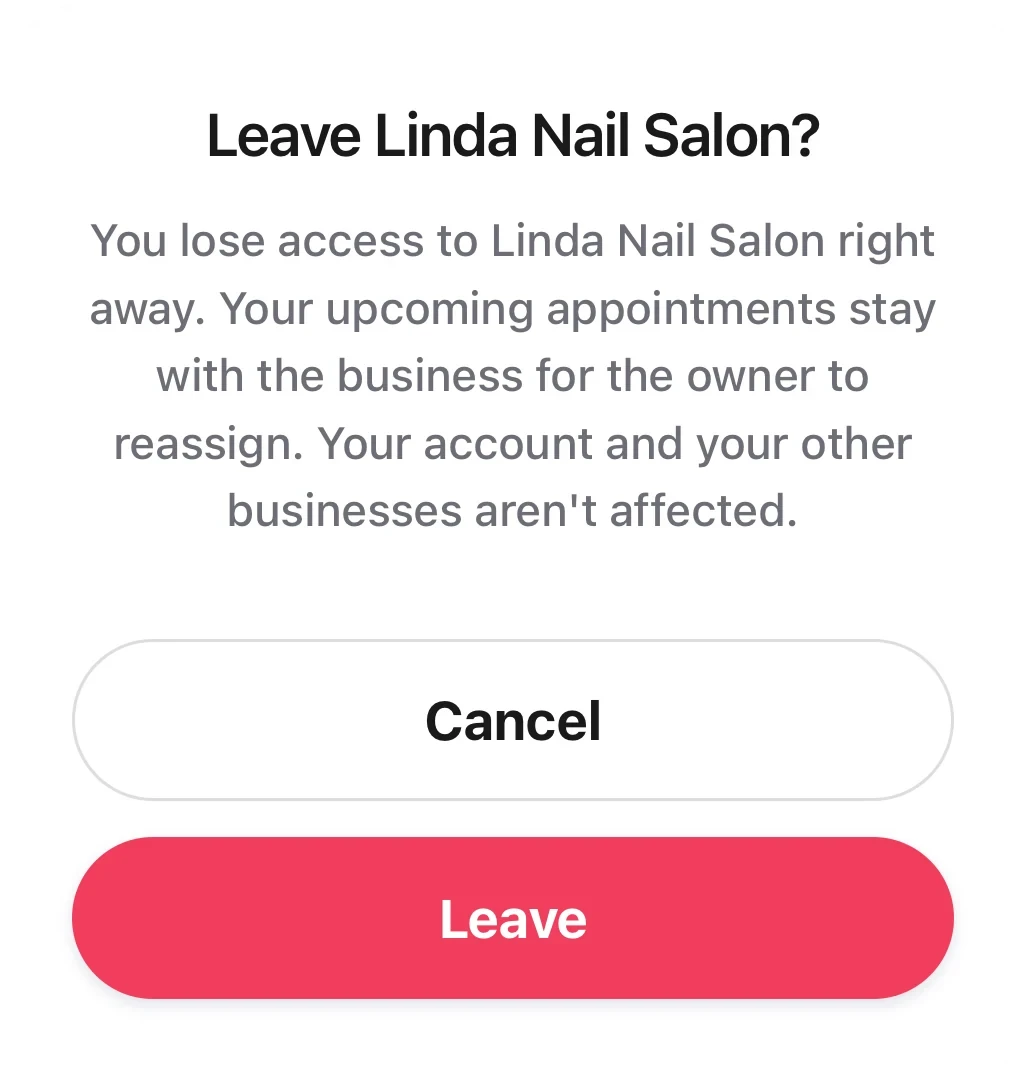
The leave dialog: it says what happens when you leave, with Cancel and a red Leave under it.
Good to know
- After you leave, you can't open that business anymore. Your account and your other businesses are not affected.
- Your upcoming appointments stay with the business. The owner gives them to another staff member.
- You can't leave a business you own. You can only “Close business”.What's the difference between “Pause”, “Take site offline”, and “Close business”? How do I close or restore?