
What's the difference between “Pause”, “Take site offline”, and “Close business”? How do I close or restore?
For: Owner, Manager
In short
Each step goes further than the one before. To stop online booking for a few days, use “Pause”. To hide your website from customers, use “Take site offline”. Use “Close business” only when your business is closing for good.
How they differ
- Pause: In “Website status”, tap “Pause”. Your website still opens, but customers can't book online. Existing appointments stay as they are.How do I pause or resume online booking?
- Take site offline: Customers can't open your booking site. Your team keeps using Kaila as usual, and existing appointments stay as they are. The status shows “Offline”.
- Close business: All upcoming appointments are canceled, and customers get a cancellation message. Your website goes offline, and staff can no longer sign in to this business.
How to take the site offline or close the business
- In “Settings”, tap your photo at the top right, then open “Account › My businesses”.
- Under the business, tap “Close business”.
- You first see “Just want to take your website offline?”. To only take the website offline, tap “Take site offline”, then tap “Take offline”. You're done.
- To close the business, tap “Continue closing the business”. Read what will happen, then tap “Continue”.
- Type the business name and tap “Send code”. Enter the code from the text, then tap the red “Close business” button.
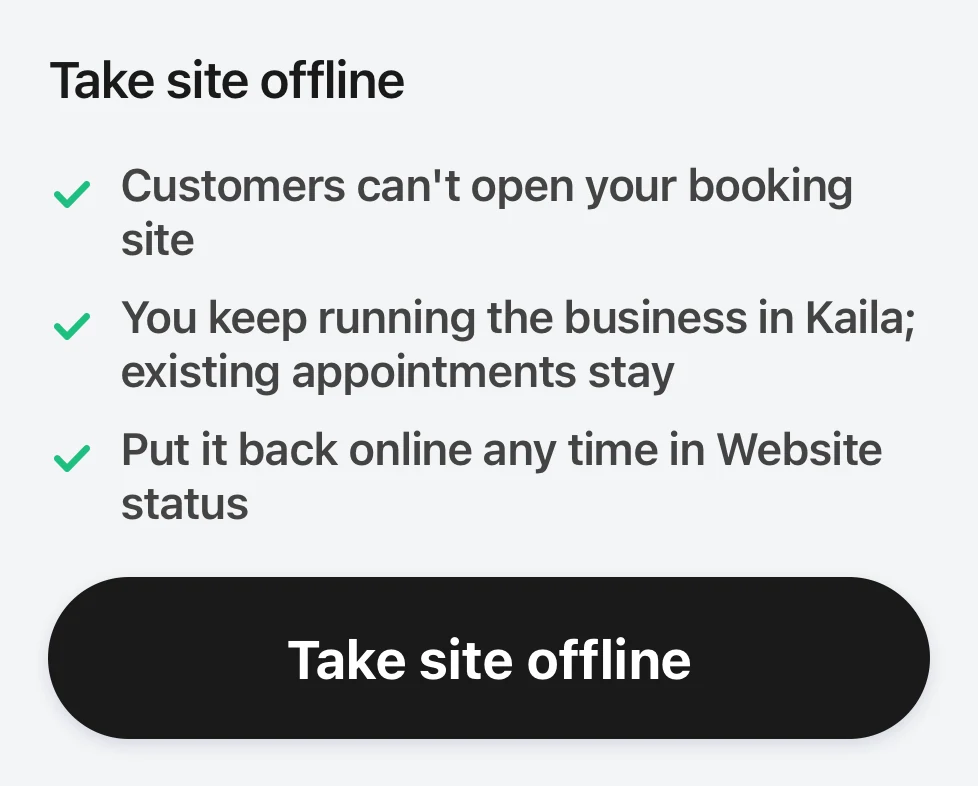
The first step of closing a business: it asks if you just want to take your website offline, with Take site offline and Continue closing the business under it.
How to restore
- An offline website: In “Website status”, tap “Put back online”.
- A closed business: Within 30 days, find the business in “Account › My businesses”. Tap “Restore”, then tap “Restore” again to confirm. Your website goes back to how it was before you closed, and staff can sign in again. Canceled appointments do not come back. After 30 days, you can't restore it yourself. Contact Kaila.
Good to know
- Before you close, the page after “Continue closing the business” lists what will happen. If your business has a plan or the phone assistant, you also see “Plan ends; no more charges” and “The phone assistant stops; the number is kept for 30 days”. Any balance left is refunded to your card after the restore period ends.
- Only the owner can take the website offline or close the business. Managers can only pause and resume online booking.