
How do I pause or resume online booking?
For: Owner, Manager
In short
To pause online booking, tap “Pause” in “Website status”. To take bookings again, tap “Resume”. While paused, customers can still open your website, but they can't book online.
Pause
- Open “Settings” and tap “Booking site” at the top. This opens “Website status”.
- Tap “Pause” at the top of the photo.
- You see “Pause online booking?”. Read what it says, then tap “Pause”. To keep booking on, tap “Keep taking bookings”.
- When you see “Paused”, the status changes to “Paused”.
Resume
- In “Website status”, tap “Resume”.
- You see “Resume online booking?”. Tap “Resume”.
- When you see “Resumed”, the status changes back to “Live”.
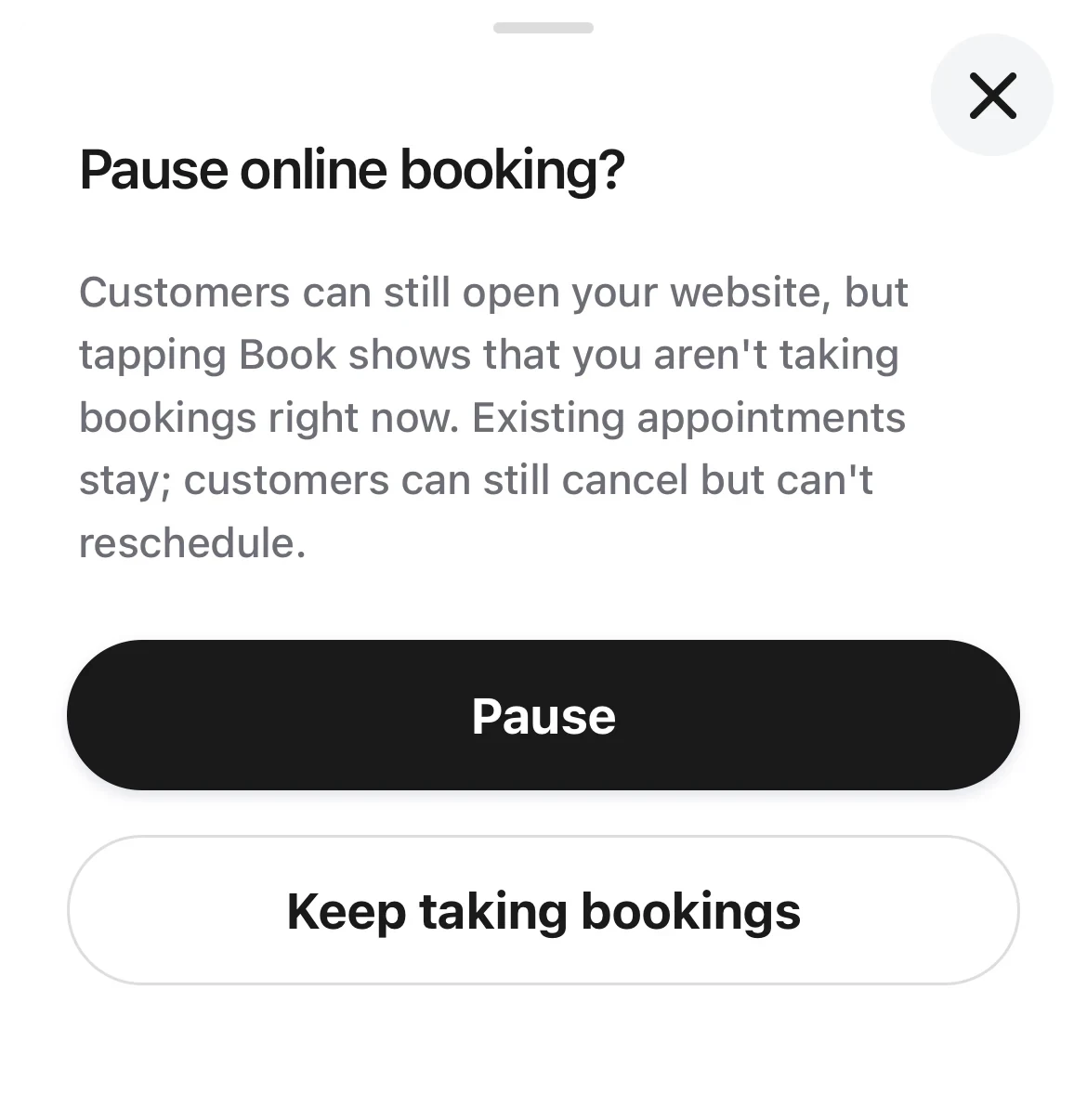
The pause dialog: the explanation, with Pause and Keep taking bookings under it.
Good to know
- Pausing does not cancel existing appointments. Customers can still cancel online, but they can't reschedule.
- While paused, your team can still add appointments in “Calendar”.
- If a customer tries to book while you are paused, “Activity” shows a note like “A customer tried to book online”. Later tries are added to the same count, and you get at most one note an hour.
- When your plan ends (for example, your trial ended and you haven't subscribed), online booking pauses by itself, and there is no “Resume” here. After the owner subscribes to the “Base plan” in “Settings › Plan & billing”, online booking comes back by itself.
- Only the owner and managers can pause or resume.