
How do I add an appointment to the calendar, including a walk-in?
For: Owner, Manager, Front desk, Professional
In short
In “Calendar”, tap +, choose the time, service and staff member, and tap “Add to calendar”. Use this for walk-ins and for customers who call to book.
Steps
- Go to “Calendar” and tap +. “Walk-in” is already selected.
- Under “Start time”, choose the date. Then tap “Choose a time”.
- Under “Service”, choose the service.
- Under “Staff”, choose a staff member, or choose “Auto-assign”. If the service needs two staff members, choose two. Once you choose a person, “Customer requested” shows under the list: tap it to turn it on when the customer asked for that person. Leave it off when your team chose.
- If you have the customer's phone number, tap “Customer profile” under “Customer (optional)” and enter the “Phone number” first. When the number is complete, “Name”, “Email” and “Customer note (optional, visible to all staff)” appear. When you enter the phone number of a customer you already have, you see “Matched to an existing customer”. Professionals don't see “Customer note (optional, visible to all staff)”.
- If the customer agrees to get texts, turn on “Customer agrees to texts” in their details. Professionals don't see this switch.
- At the bottom you see “Notify customer by email”, “Notify customer by text” or “Notify customer by email and text”. It is checked already. If you don't want to notify the customer, uncheck it.
- Tap “Add to calendar”.
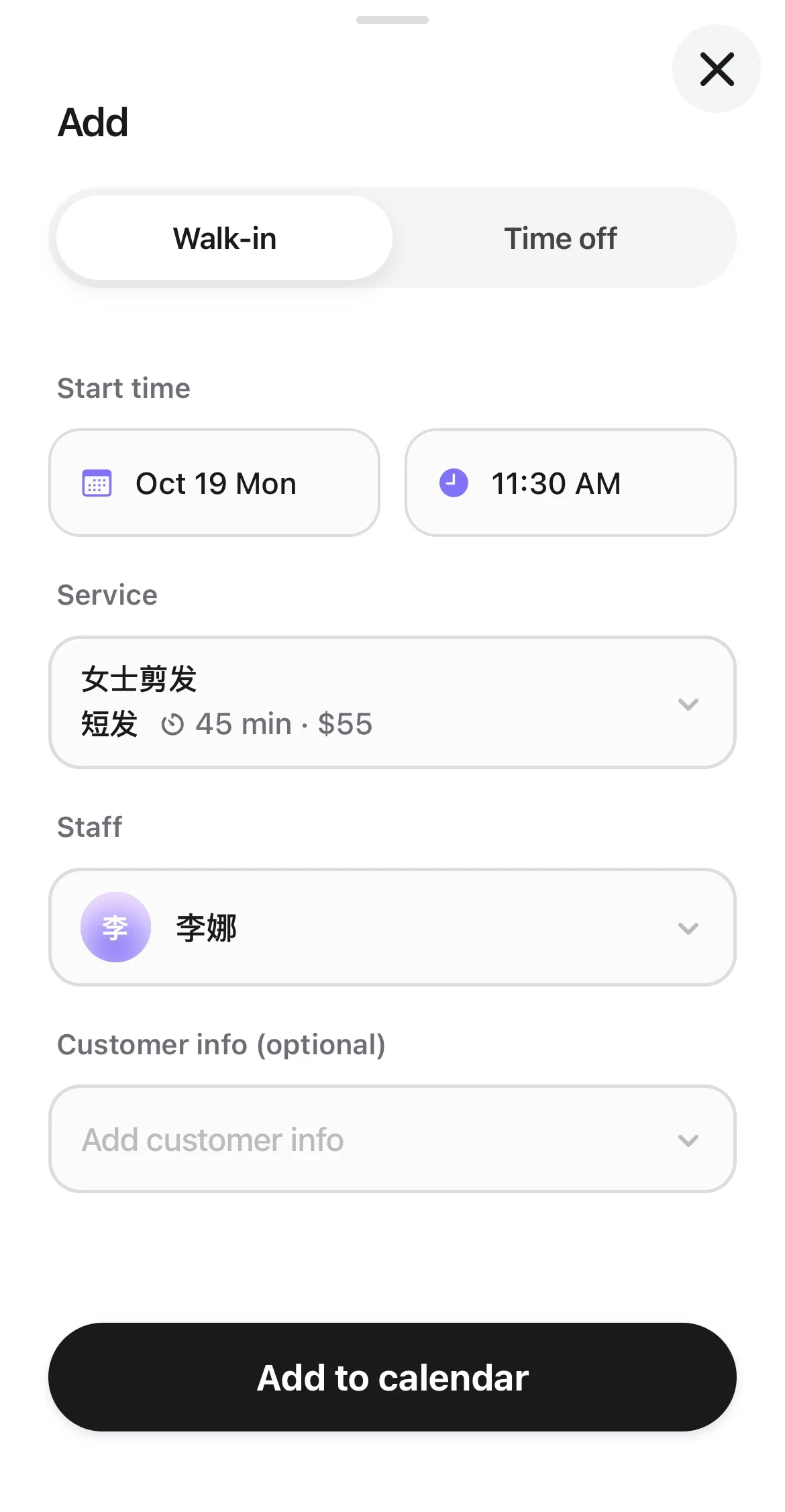
The Walk-in tab of the add sheet: a start time, a service, and a staff member are chosen, with Add to calendar at the bottom.
Good to know
- Your team can add an appointment outside business hours. You see “Outside business hours” as a warning. The time limits for online booking don't apply to appointments your team adds.
- If the number is blocked, check “I know this number is blocked and still want to book” to add the appointment. Professionals see “This number is blocked. Ask a manager or the front desk.”
- To add a note, first add the appointment. Then tap it and tap “Appointment note”.
- If you uncheck the notification, the customer gets no confirmation and no reminders.