
Do customer-requested appointments count toward a staff member's workload?
For: Owner, Manager
In short
How to change it
- Go to “Settings › Advanced features”.
- Under “Staff assignment”, turn on “Set your own assignment rules”.
- Tap “Customer-requested appointments” and choose “Count toward workload” or “Don't count toward workload”.
- Tap “Save” in the top right corner.
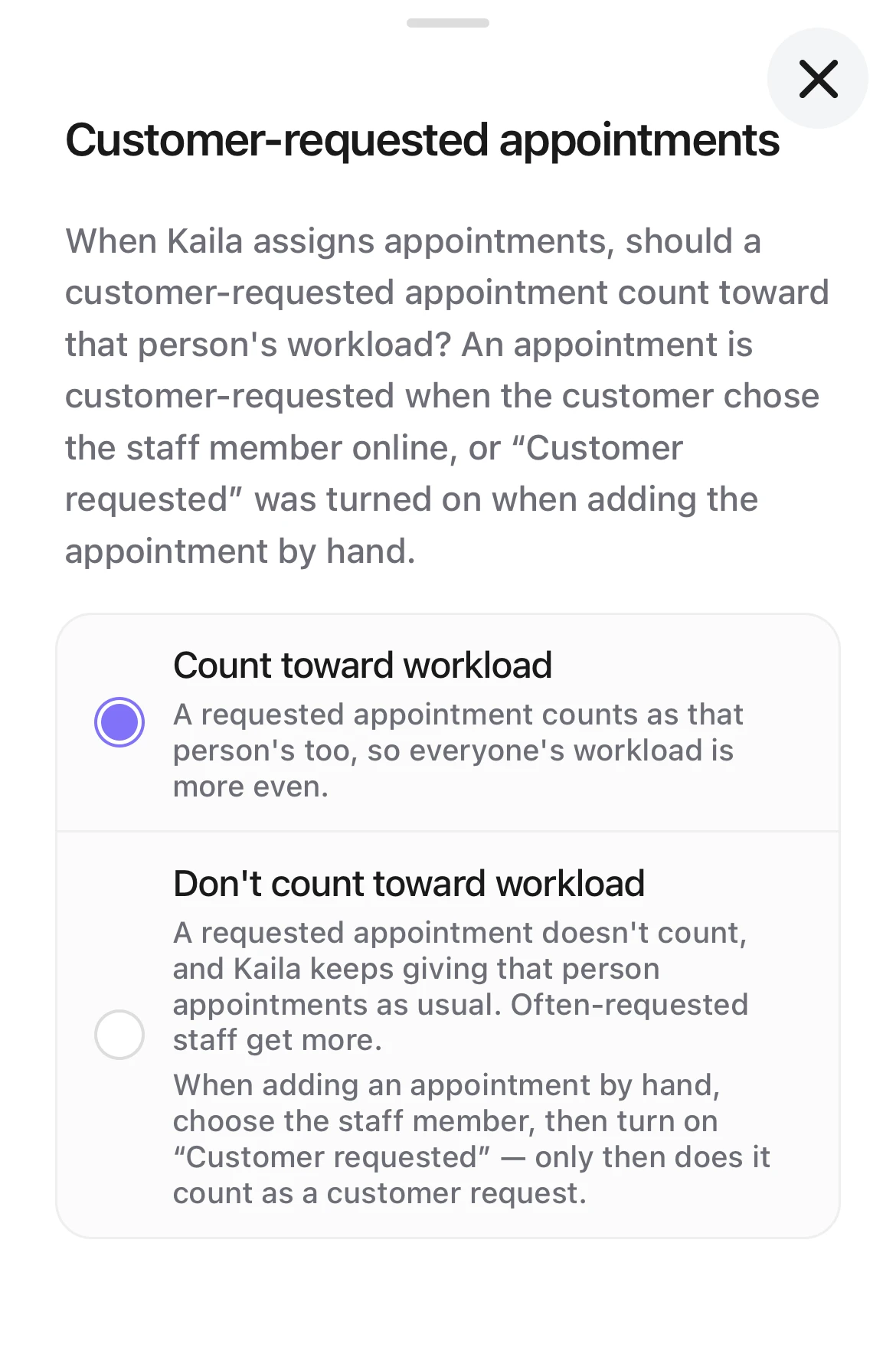
Choosing Customer-requested appointments: Count toward workload (selected) and Don't count toward workload, each with what happens.
What a customer-requested appointment is
- The customer chose a staff member when booking online.
- Your team added an appointment, chose a staff member in “Choose staff”, and turned on “Customer requested” under the list.
With a staff member chosen and “Customer requested” off, the screen says “When off, the shop made the choice.” Such an appointment is “Assigned by shop”. Like “Auto-assign” appointments, it always counts toward workload.

“Count toward workload” (the default)
A customer-requested appointment counts as that person's too, so everyone's workload is more even. With “By booked time” it counts in booked time; with “By number of appointments” it counts as an appointment; with “Take turns” it counts as a turn.
Suits: shops that want everyone's total workload to be about the same.
Example: with “By booked time”, a customer asked for B today, for 3 hours. A and C have nothing yet. Another appointment comes in with no staff member chosen, and all three are free: it goes to A or C, not to B.
“Don't count toward workload”
A customer-requested appointment doesn't count, and Kaila keeps giving that person appointments as usual. Often-requested staff get more.
Suits: shops where regulars often come for one particular person, and that person should still get assigned appointments as usual.
Example: with “Take turns”, it is B's turn. B first serves a customer who asked for B, and B keeps their place. The next appointment has no staff member chosen; if B is free, it still goes to B first.
How it shows on an appointment
- On the appointment's details, the staff card says “Requested by customer” when the customer asked for that person, so you know not to switch them.
- If the appointment moved to someone the customer did not ask for, it says “Customer asked for A”.
- Auto-assigned and shop-assigned appointments show only the staff name, and you can switch them freely.
- If it was recorded wrong, edit the appointment and turn “Customer requested” on or off. From then on it counts by the new answer, and the change is shown in “Activity”.
Good to know
- “Customer requested” appears only when you add an appointment on the “Calendar” and choose a staff member. It isn't there with “Auto-assign”.
- Canceled appointments and no-shows never count toward workload, whatever you choose.
- With “Take turns”, appointments in “Activity” say “counts as a turn” or “not a turn”.