
What can the owner, managers, front desk, and professionals do?
For: Owner, Manager, Front desk, Professional
In short
The owner can do everything. Managers can change appointments, customer details, and settings. The front desk can change only appointments and customer details. Professionals see all appointments but can change only their own.
The four roles
- “Owner”: can do everything. Each business has one owner. Only the owner can make someone a manager.
- “Manager”: can change appointments and customer details. Can also change settings such as the booking site, services, prices, and staff.
- “Front desk”: can change appointments and customer details. Can't change settings.
- “Professional”: sees all appointments, but can change only their own. Sees only the last digits of a customer's phone number, and no email address. Can't change settings.
What each role sees
- Only the owner, managers, and the front desk see “Customers”. Professionals don't.
- In “Settings”, the front desk and professionals see only “Services & prices” and “Notifications”. They can view services but can't change them.
Change someone's role
- Go to “Settings › Staff” and tap the staff member.
- Tap “Role” and choose a role. Each role says what it can do.
- Tap “Save”.
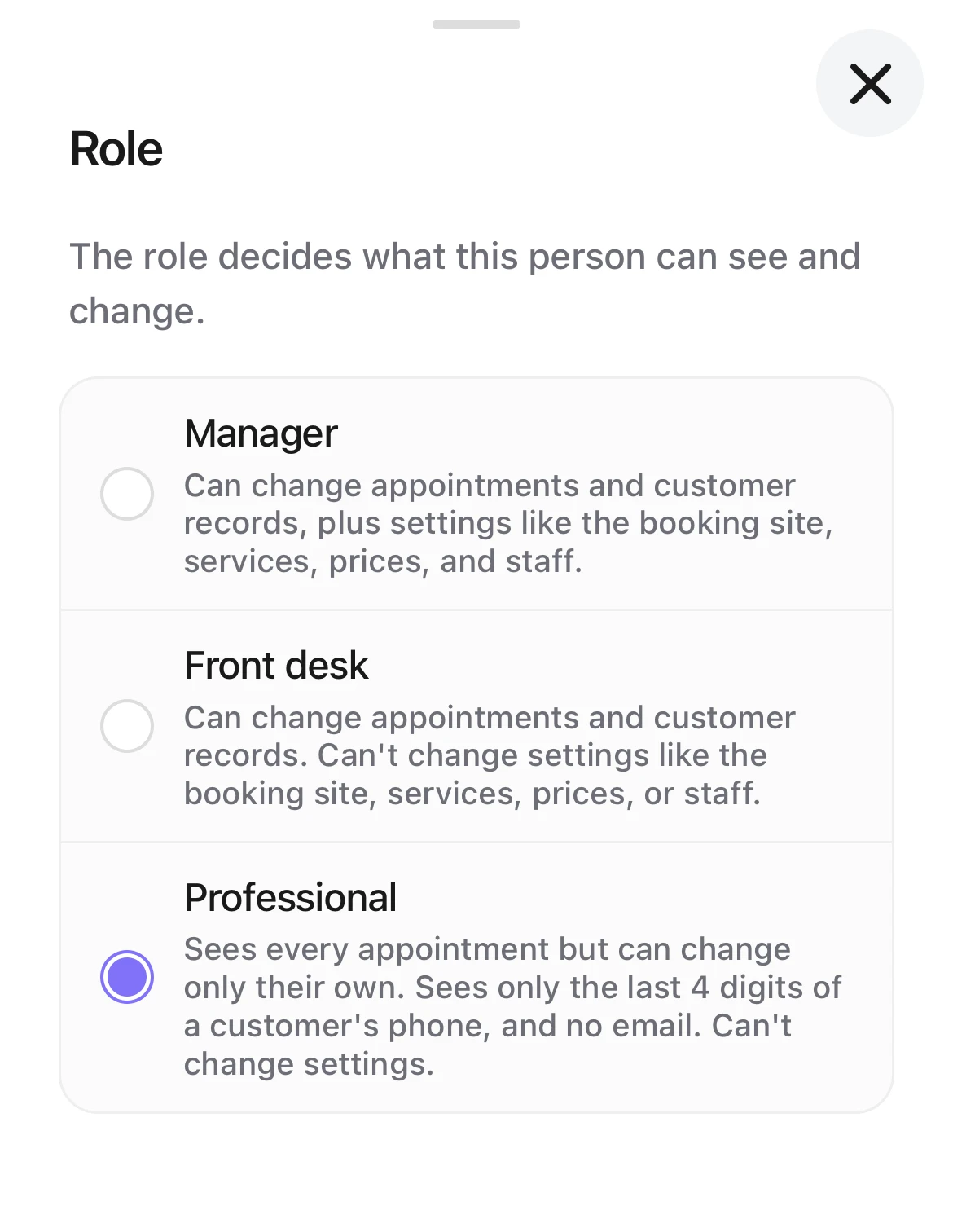
Choosing a role: Manager, Front desk, and Professional, each with what it can do under it.
Good to know
- Only the owner can make someone a “Manager”.
- The owner's role can't be changed.