
How do I change my name or add an email?
For: Owner, Manager, Front desk, Professional
In short
You change your name and your email in “Account › Sign-in & security”.
Change your name
- Open “Settings” and tap your picture at the top right to open “Account”. Then tap “Sign-in & security”.
- Tap “Name” and enter your new name.
- Tap “Save” at the top right.
Add or change your email
- In “Sign-in & security”, tap “Email”.
- Enter your email in “Email address”, then tap “Send verification email”.
- Open the email and tap the link in it. Your email is now added.
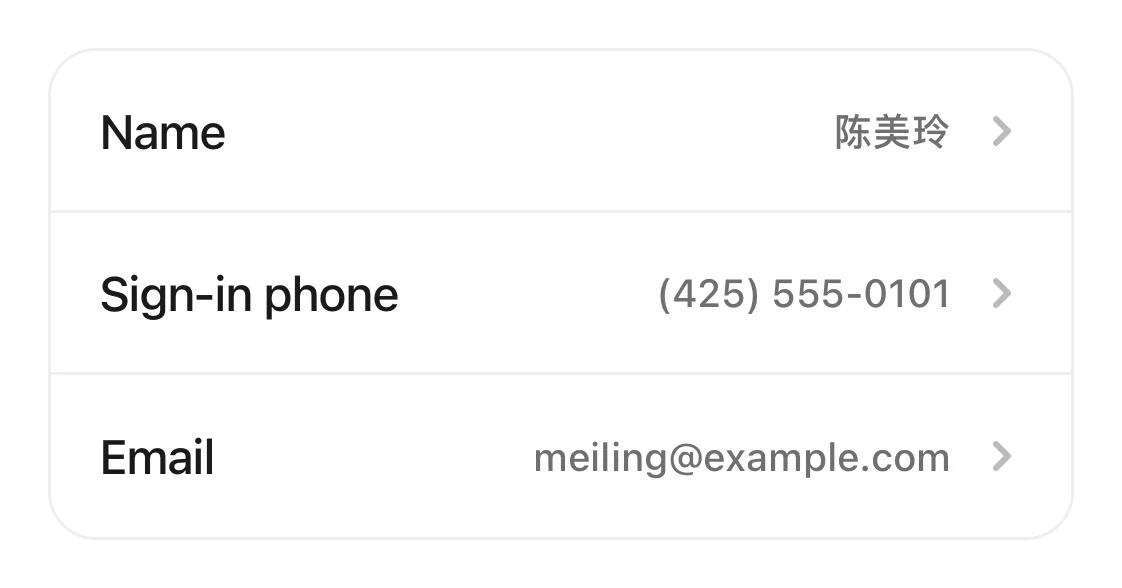
Three rows on the Sign-in & security page: Name, Sign-in phone, and Email.
Good to know
- Your name: “Only you can see this.” It can be up to 200 characters. A longer name shows “Names can be up to 200 characters”. The staff name customers see is set on the staff profile.How do I set a staff member's services and hours?
- Until you tap the link, your email shows “Unconfirmed”. If the email doesn't arrive, open “Email” again and tap “Send it again”.
- The link works for 24 hours. After that you see “This link has expired”. Send a new one.
- To get notifications by email, you need a verified email first.What emails does Kaila send me?