
How do I sign out, or sign out my other devices?
For: Owner, Manager, Front desk, Professional
In short
Tap “Sign out” in “Account”. If you lost a phone or tablet, tap “Sign out other devices” in “Sign-in & security”.
Sign out of this device
- Open “Settings” and tap the round picture at the top right. This opens “Account”.
- Tap the red “Sign out” at the bottom.
- The screen asks “Sign out of this device?”. Tap “Sign out”. You go back to the sign-in page.
Sign out your other devices
- In “Account”, tap “Sign-in & security”.
- Tap “Sign out other devices”.
- The screen asks “Sign out your other devices?”. Tap “Sign out other devices”. The device you are using stays signed in.
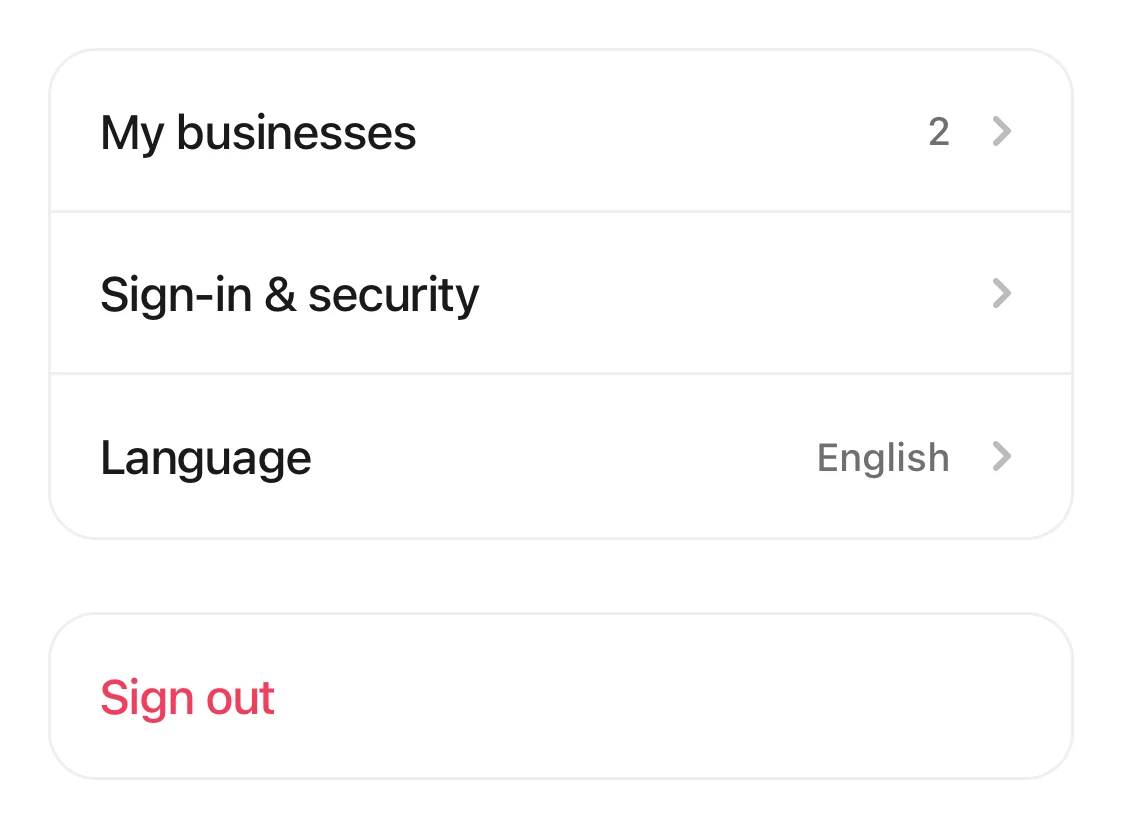
The Account page: My businesses and Sign-in & security, with the red Sign out at the bottom.
Good to know
- Lost your phone or tablet? Sign in on another device, then tap “Sign out other devices”.
- If you see “Couldn't confirm sign-out. Try again”, you may still be signed in. Tap it again.