
What emails does Kaila send me?
For: Owner, Manager, Front desk, Professional
In short
Kaila sends only two kinds of email: important account and business notices, and product news. You don't get emails for new, rescheduled, or canceled appointments. Use push notifications in the app for those.
Where to see them
- Open “Settings › Notifications” and look at “Email notifications”.
- “Email” shows the address the emails go to. If it says “Unconfirmed”, first tap the link in the confirmation email.
- The owner and managers see “Account & security”. Important notices, such as account security alerts and alerts when your business can't take bookings, are sent by email. You can't turn them off.
- You can turn off “Product news”. After you change it, tap “Save”.
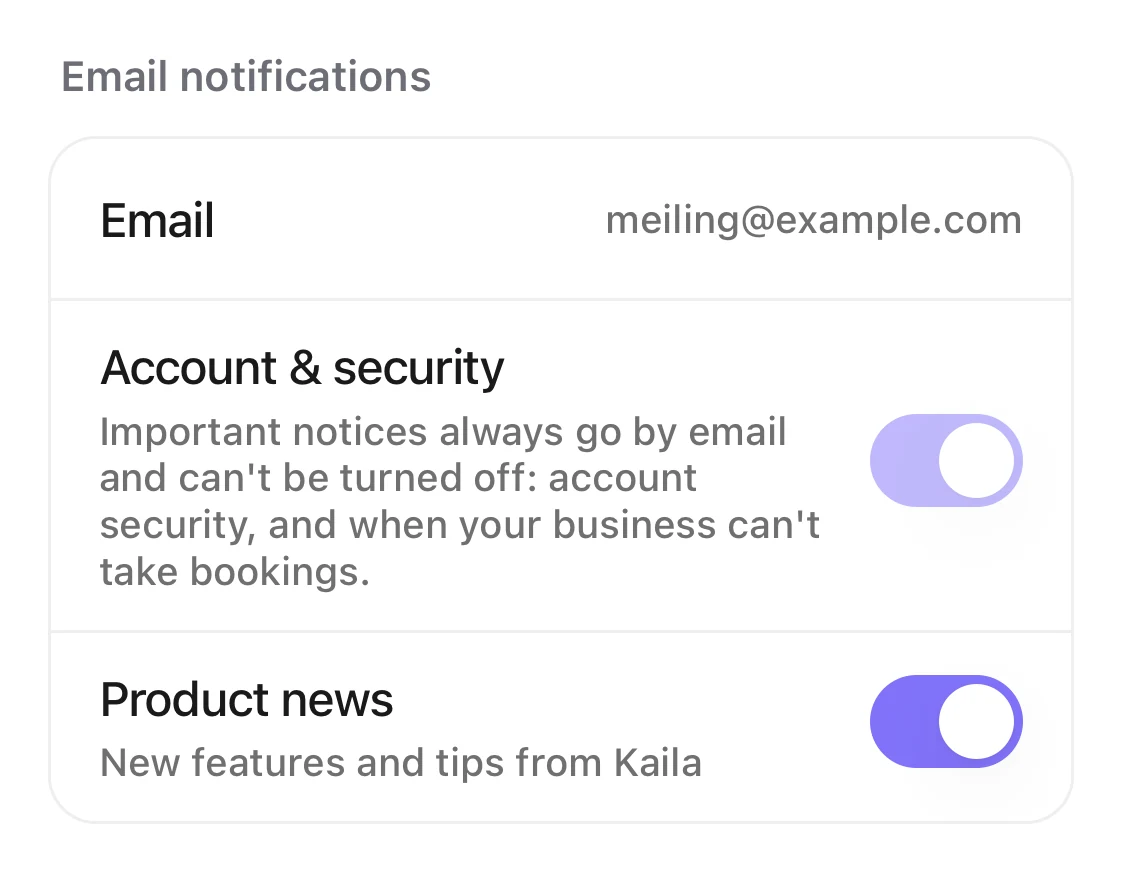
Email notifications: the email address, Account & security (can't be turned off), and Product news (can be turned off).
Good to know
- If you don't have a verified email yet, the switches here are grayed out and say “Available after you add and verify an email”.
- To add or change your email, go to “Account › Sign-in & security › Email”.How do I change my name or add an email?
- Your email is your own, not shared with your business. Each person sets it in their own account.