
How do I cancel an appointment or mark a no-show?
For: Owner, Manager, Front desk, Professional
In short
Tap the appointment, tap “Cancel appointment” or “Mark no-show”, and confirm. The time opens up again, so someone else can book it.
Steps
- On the “Calendar”, tap the appointment to open “Appointment details”.
- Tap “Cancel appointment” or “Mark no-show”.
- To tell the customer, check “Notify customer by email”, “Notify customer by text” or “Notify customer by email and text”. It is not checked at first.
- Tap “Cancel appointment” or “Mark no-show” again to confirm. To stop, tap “Keep appointment”.
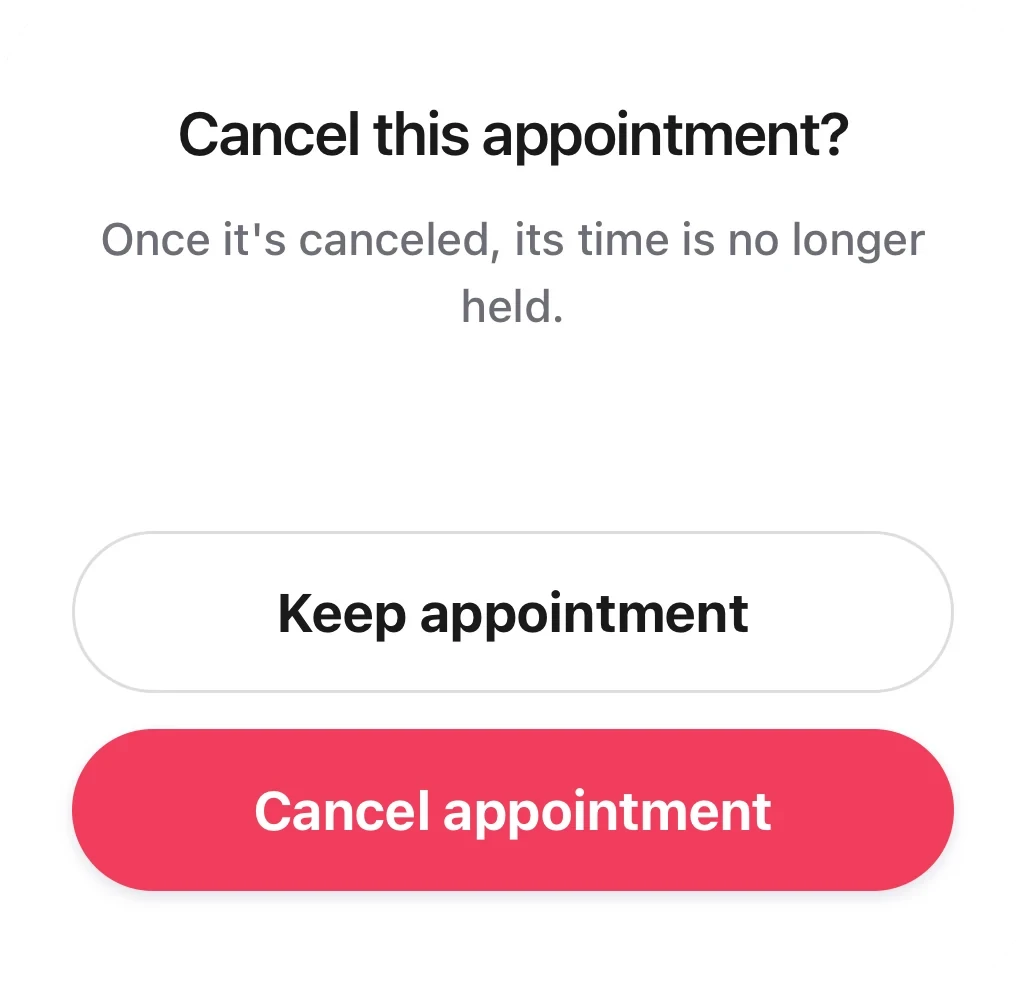
The cancel dialog: the notify box is not checked, with Keep appointment and Cancel appointment under it.
Good to know
- You can mark a no-show only after the appointment has started. If you try before, you see “Can't mark a no-show before it starts”.
- If the appointment has already ended, the customer is not notified when you cancel it or mark a no-show.
- If you see “Can't notify the customer”, tap it to see why. For example, the customer left no phone or email, or didn't agree to texts.
- Owners, managers and the front desk can do this for any appointment. Professionals can do it only for appointments they are part of.