
The app says to update it, or that it can't connect. What do I do?
For: Owner, Manager, Front desk, Professional
In short
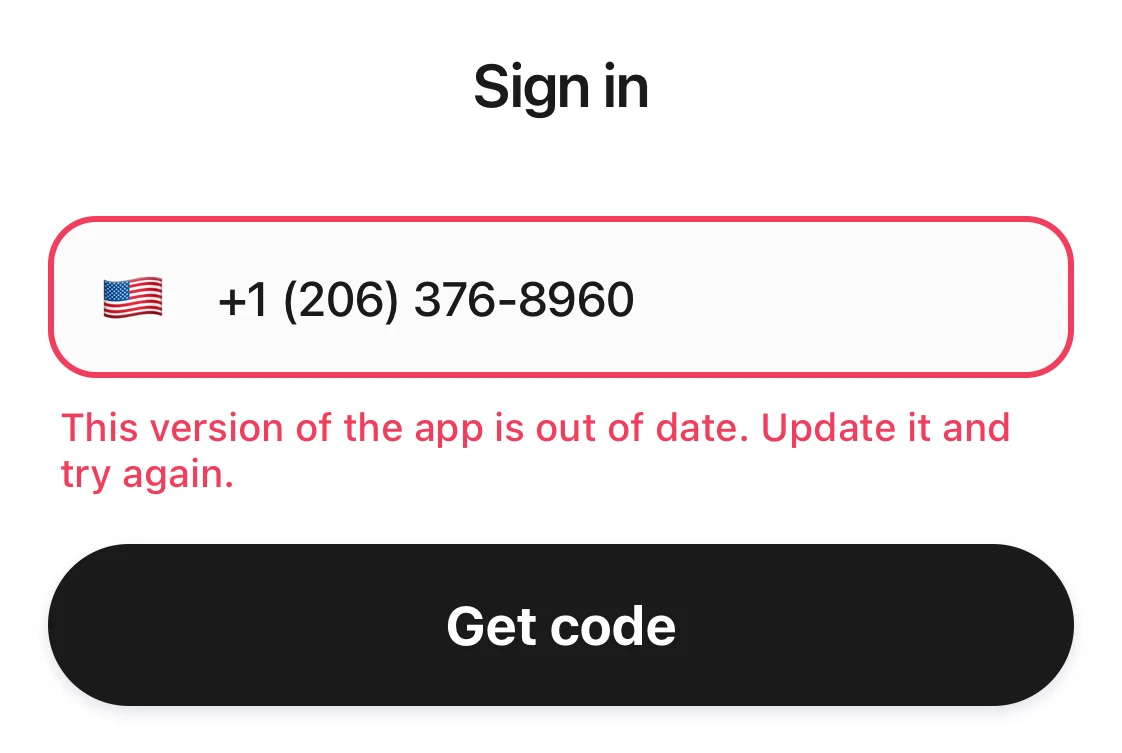
“This version of the app is out of date. Update it and try again.” means your Kaila app is too old. Update it and it works again. Most other messages are about your internet connection. Check it, then try again.
What each message means
- “This version of the app is out of date. Update it and try again.”: Open the “App Store”, find Kaila, and tap Update. Then open Kaila again.
- “Close the app completely, then open it and try again.”: Fully close Kaila, so it is not running in the background. Then open it again and sign in.
- “Can't connect. Check your internet connection and try again.”: Check that your Wi-Fi or cell data is working, then try again.
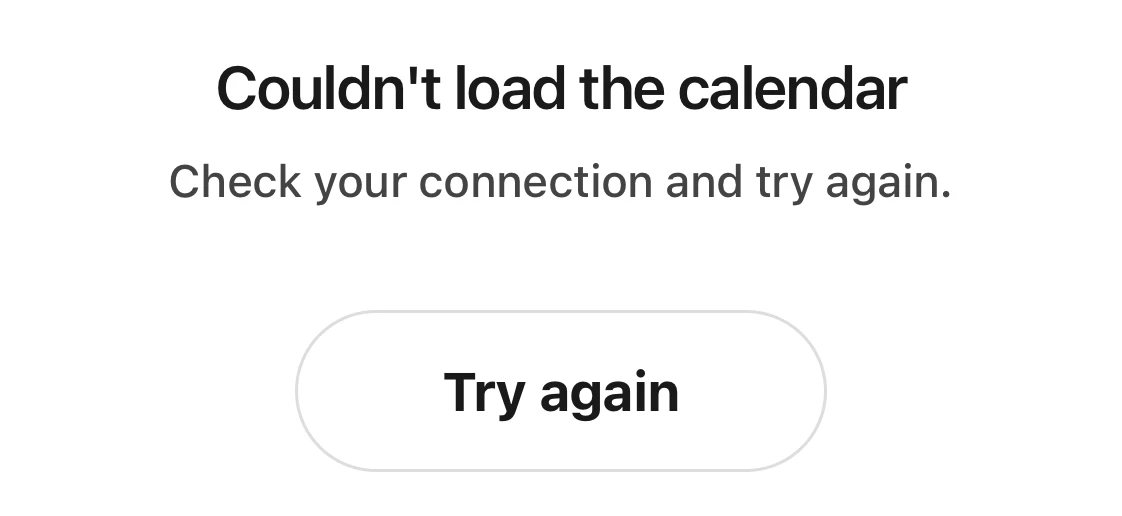
- The calendar shows “Couldn't load the calendar”, “Check your connection and try again.” and “Try again”: Kaila can't reach the internet right now. When your connection is back, tap “Try again”.
Good to know
- If your connection works but Kaila still won't open, switch between Wi-Fi and cell data and try again.
- If you keep seeing the same message, contact Kaila and tell us which message it is.