
How do I download the Kaila app on iPhone, iPad, or Mac?
For: Owner, Manager, Front desk, Professional
In short
On your iPhone or iPad, open the “App Store”, search for Kaila, and download it. You can also open hikaila.com/app on your phone and tap the download button.
Steps
- On your iPhone or iPad, open the “App Store”, search for Kaila, and download it.
- Open Kaila. Everyone signs in with their own phone number: enter your number, tap “Get code”, then enter the code from the text.
- After you sign in, open the calendar. Your phone asks if Kaila can send notifications. Allow them, so you get alerts about new appointments.
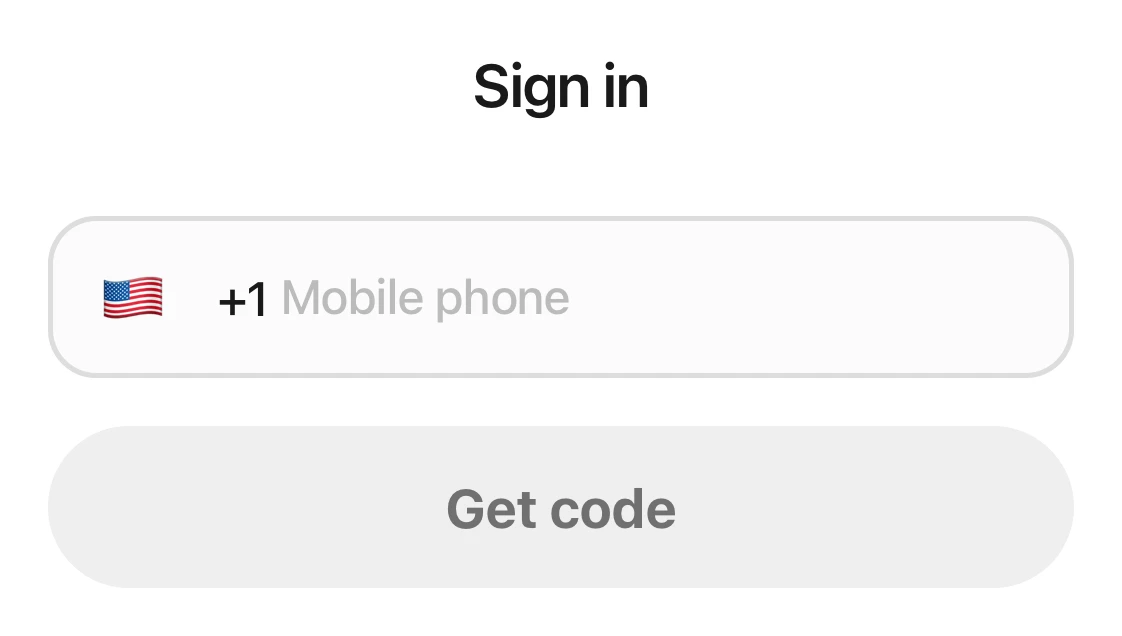
The sign-in page in the Kaila app: the Sign in heading, the phone number field, and the Get code button.
If you can't download it
Kaila is in the U.S. App Store. If your Apple Account is set to another country or region, you have two choices:
- Use the web version: Open app.hikaila.com in Safari. Tap “Share”, then “Add to Home Screen”, then “Add”. From then on, tap Kaila on your Home Screen to open it.
- Change your Apple Account's region: Change your Apple Account's country or region to the United States, and then you can download it. For the steps, see Apple's instructions. hikaila.com/app has a link to them.
Good to know
- iPhone and iPad need iOS 17 or later.
- On a Mac with Apple silicon, you can download the same Kaila app from the “App Store”.
- The app shows the same things as the web version. A change made in one place shows up everywhere.