
I didn't get a sign-in code. What do I do?
For: Owner, Manager, Front desk, Professional
In short
Make sure you entered the right phone number. Then wait 60 seconds and tap “Resend code”.
Steps
- Check the phone number on the code screen. Make sure it is yours.
- Wait for the countdown to end. While it runs, the link shows “Resend code (60s)”. When it ends, tap “Resend code”.
- When the time is up, “Still no code?” appears below. If you typed the wrong number, tap “Try a different number” and enter it again.
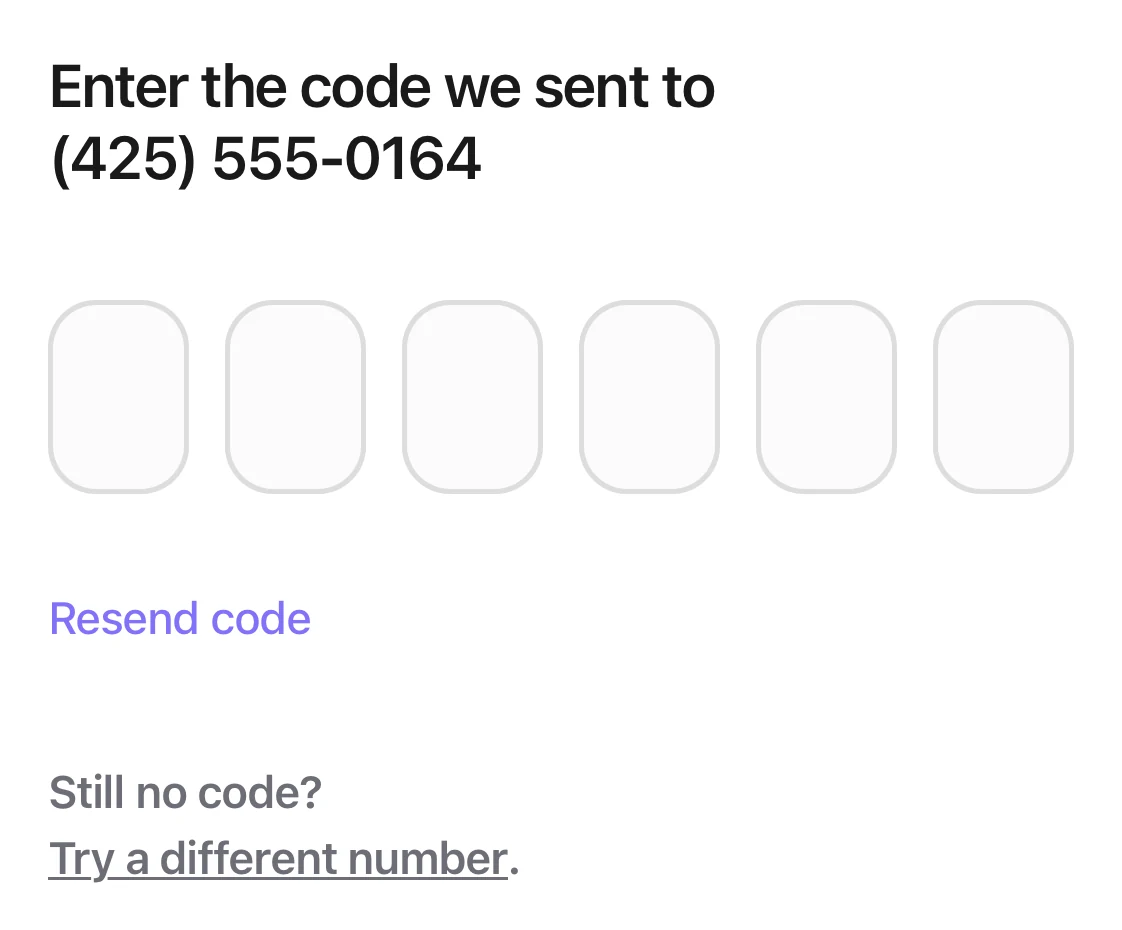
The code page: six empty boxes and Resend code, with Still no code? and Try a different number under them.
Good to know
- One phone number can get up to 5 codes an hour. After that, wait a little. The screen tells you how many minutes.
- A code works for 5 minutes. After that you see “This code expired. Get a new one.”
- You can try one code up to 5 times. After too many wrong tries you see “Too many attempts. Get a new code.” Get a new one.
- If this phone number ever replied STOP to a Kaila code text, it can't get codes. Reply START to get them again.
- A code is sent only to a number that is already in Kaila, or to a number that got an invite from a business. Staff members sign in with the number the business has on file.How do I sign in to Kaila?