
How do customers find my business on Google, maps and AI assistants?
For: Owner, Manager
In short
When people look for a business on Google, on a map, or with an AI assistant (such as Gemini, ChatGPT or Siri), the answer comes mostly from your listings on those sites. Keep each listing correct and add your booking link, so people who find you can book right away.
First, copy your booking link
- Open “Settings” and tap “Booking site” at the top.
- On the “Website status” page, tap “Share link”.
- Tap “Copy link”. Your link looks like hikaila.com/s/ followed by your business name.Where is my booking link? How do I share it or download a QR code?
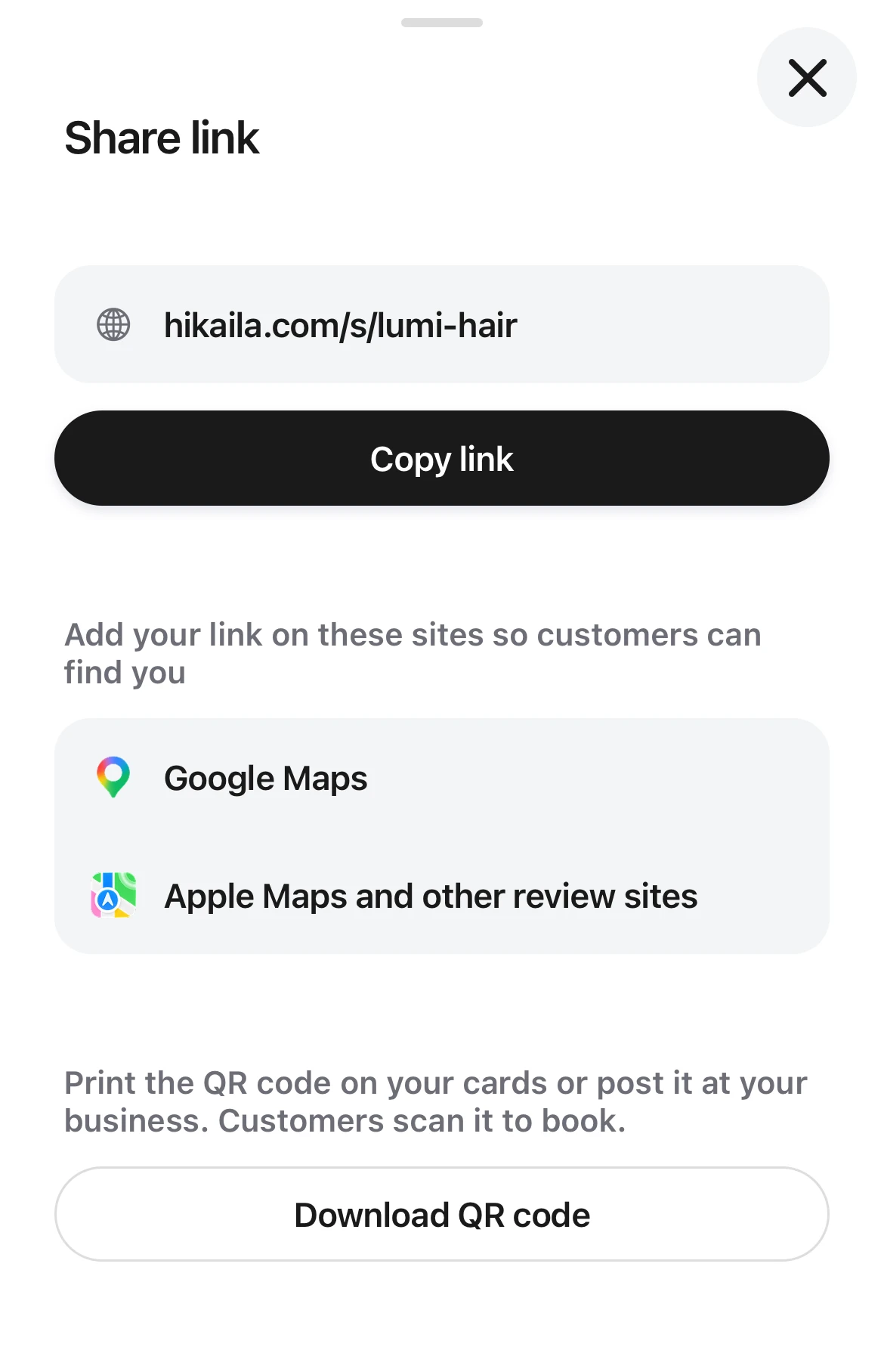
The Share link panel: the booking link, Copy link, the map sites, and Download QR code.
What every listing needs
- Category: pick the one closest to your business, such as hair salon, nail salon, massage or spa.
- Hours: the same as in Kaila. Change them for holidays too.
- Your services and prices.
- Phone number and address.
- Booking link: your Kaila booking link.
Google Business Profile (Google Search, Google Maps, Gemini)
- Sign in at business.google.com and open your Business Profile. If you do not have one, create it and verify it the way Google asks.
- Check the category, hours, services and prices, phone and address.
- Find the booking links. In Google Search, select “Booking”. In Google Maps, select “Edit profile” and then the booking type.
- Select “Add link”, paste your booking link, and select “Save”.
Yelp (ChatGPT uses it too)
- Claim your business page at business.yelp.com.
- Check the same details.
- Where Yelp lets you add a web address, add your booking link.
Apple Maps (Siri)
- Sign in to Apple Business at business.apple.com and find your location.
- Check the same details.
- Add a booking action, such as “Make an Appointment”, and use your booking link for it.
Bing
- Claim or update your listing with Bing Places for Business at bingplaces.com.
- Check the same details. If you do not have your own website, you can use your booking link as your website.
Good to know
- Keep the same details on every site. When you change your hours or prices in Kaila, change them on these sites too.
- These sites change their menus often. If you cannot find a button named here, check that site's own help pages.