
How do I change the app's language?
For: Owner, Manager, Front desk, Professional
In short
Choose a language in “Account › Language” and tap “Save”.
Steps
- Open “Settings” and tap your picture at the top right to open “Account”.
- Tap “Language”.
- Choose a language: English, Español, 简体中文, or 繁體中文.
- Tap “Save” at the top right. The app opens again in the new language.
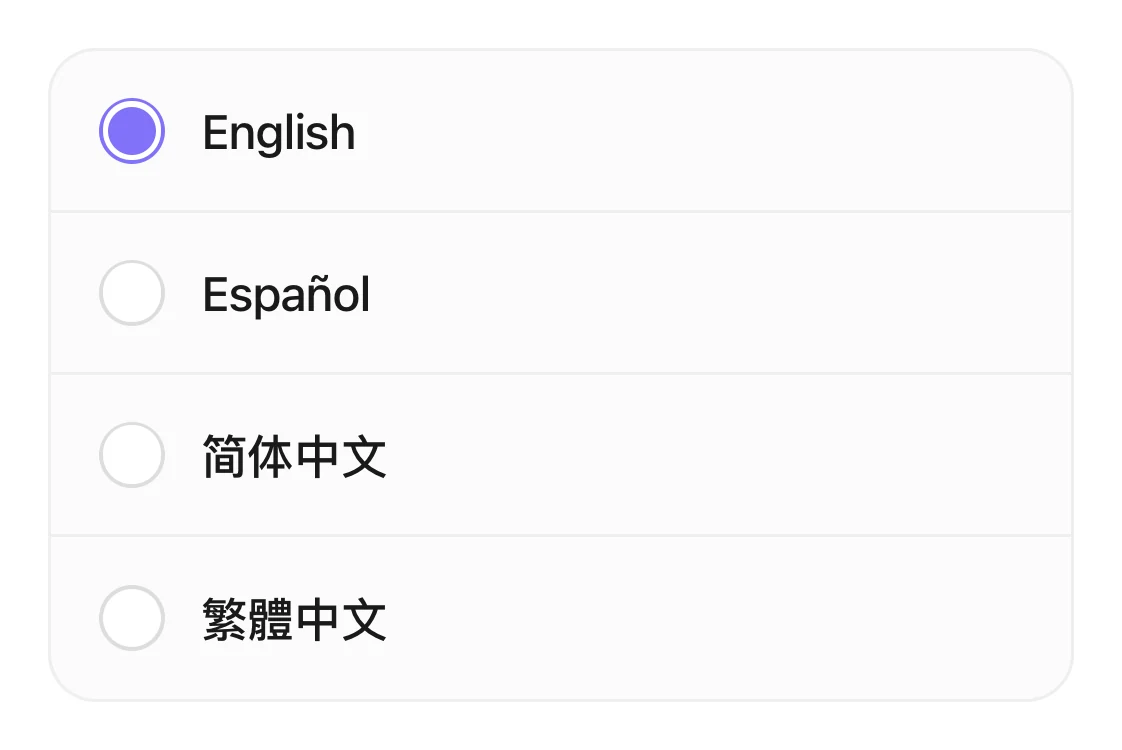
The four languages on the Language page, with English selected.
Good to know
- “Changes only what you see. Nobody else is affected.” Other people at your business keep their own language.
- Before you sign in, you can also change the language on the sign-in page.