
How do I switch businesses or add a new one?
For: Owner, Manager, Front desk, Professional
In short
Tap the business name at the top of “Settings” to switch businesses or add a new one.
Switch businesses
- Open “Settings” and tap the business name at the top (it has a ▾ next to it).
- In “My businesses”, tap the business you want. The business you are in now has a green check mark.
Add a new business
- On the same “My businesses” screen, tap “Add a new business” at the bottom.
- Follow the steps to enter the new business's details.
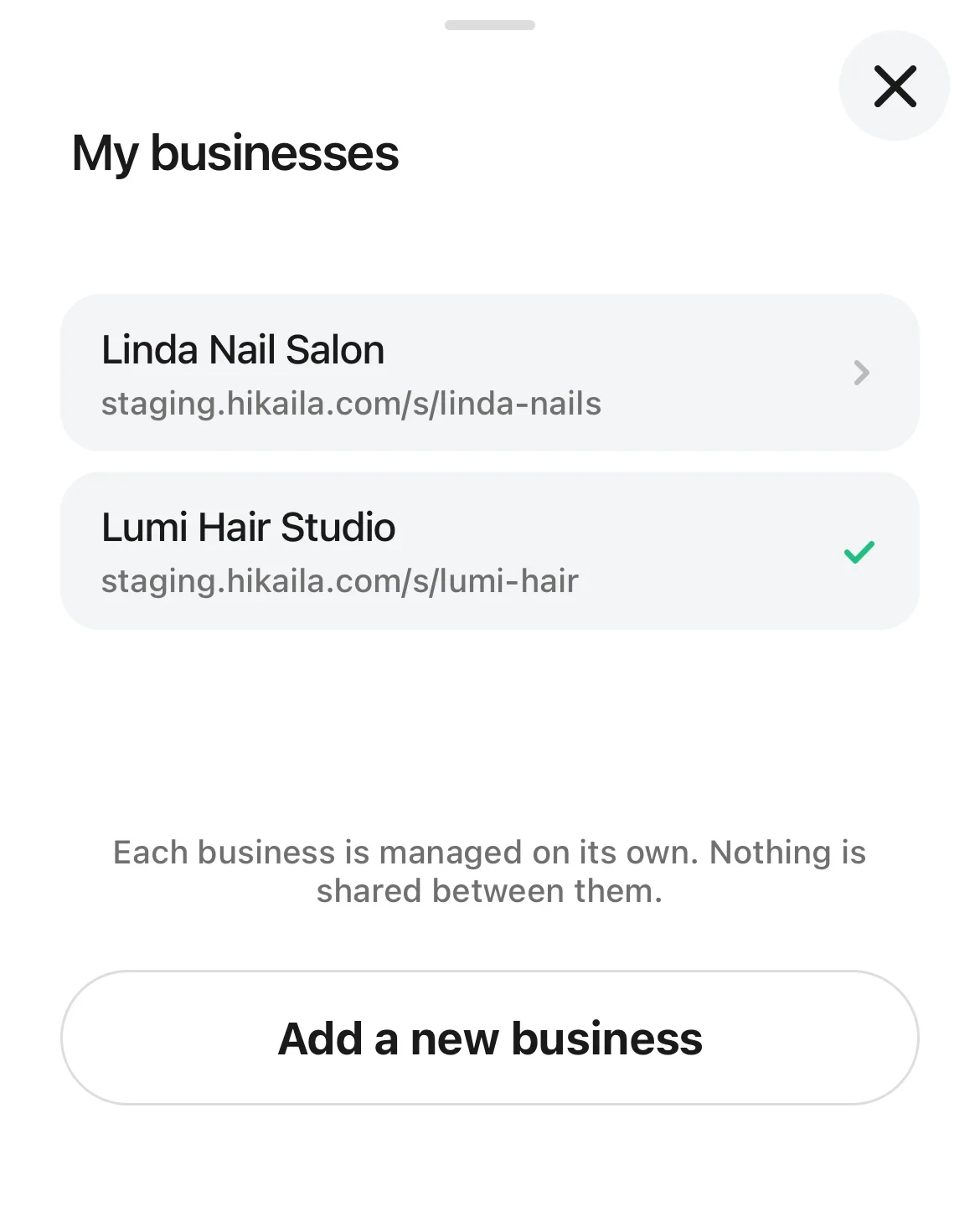
The My businesses list: the current business has a green check mark, with Add a new business at the bottom.
Good to know
- “Each business is managed on its own. Nothing is shared between them.” You set up services, staff, and customers separately for each business.
- You can also switch by tapping a business name in “Account › My businesses”.
- If you have more than one business, you see “Choose a business” each time you sign in.
- Owners, managers, front desk, and professionals can all add a new business. You are the owner of the new business.