
How do I change call transfers and text replies, or pause the phone assistant?
For: Owner, Manager
In short
Open “Phone assistant” at the top of “Settings”. Change call transfers and text replies under “Calls and texts”. Pause and resume on the number card.
Steps: transfer calls to a person
- On the “Phone assistant” screen, under “Calls and texts”, tap “Transfer calls”.
- Turn on “Allow transfers to a person”. A caller who presses 0 is transferred to your phone.
- To transfer calls only when you are open, turn on “Only during business hours”.
- Under “Transfer to”, enter your phone number. A new number must be verified first: Kaila texts it a code. For a landline, check “This is a landline”, and Kaila calls it to read the code.
- Tap “Save” in the top right corner. A verified number shows “Verified” below it.
Steps: choose what happens when a customer texts
- Under “Calls and texts”, tap “When a customer texts”.
- Choose “Auto-reply with booking link” or “Ignore texts”.
- Tap “Save” in the top right corner.
Steps: pause and resume
- On the phone assistant's number card, tap “Pause”.
- Choose “Only turn off transfers” or “Pause calls and texts”. While calls and texts are paused, calls are not answered, and texts are not received or answered. Your settings stay as they are and come back when you resume.
- Tap the confirm button at the bottom. To keep things as they are, tap “Don't pause”.
- To turn it back on, tap “Resume” on the number card and confirm.
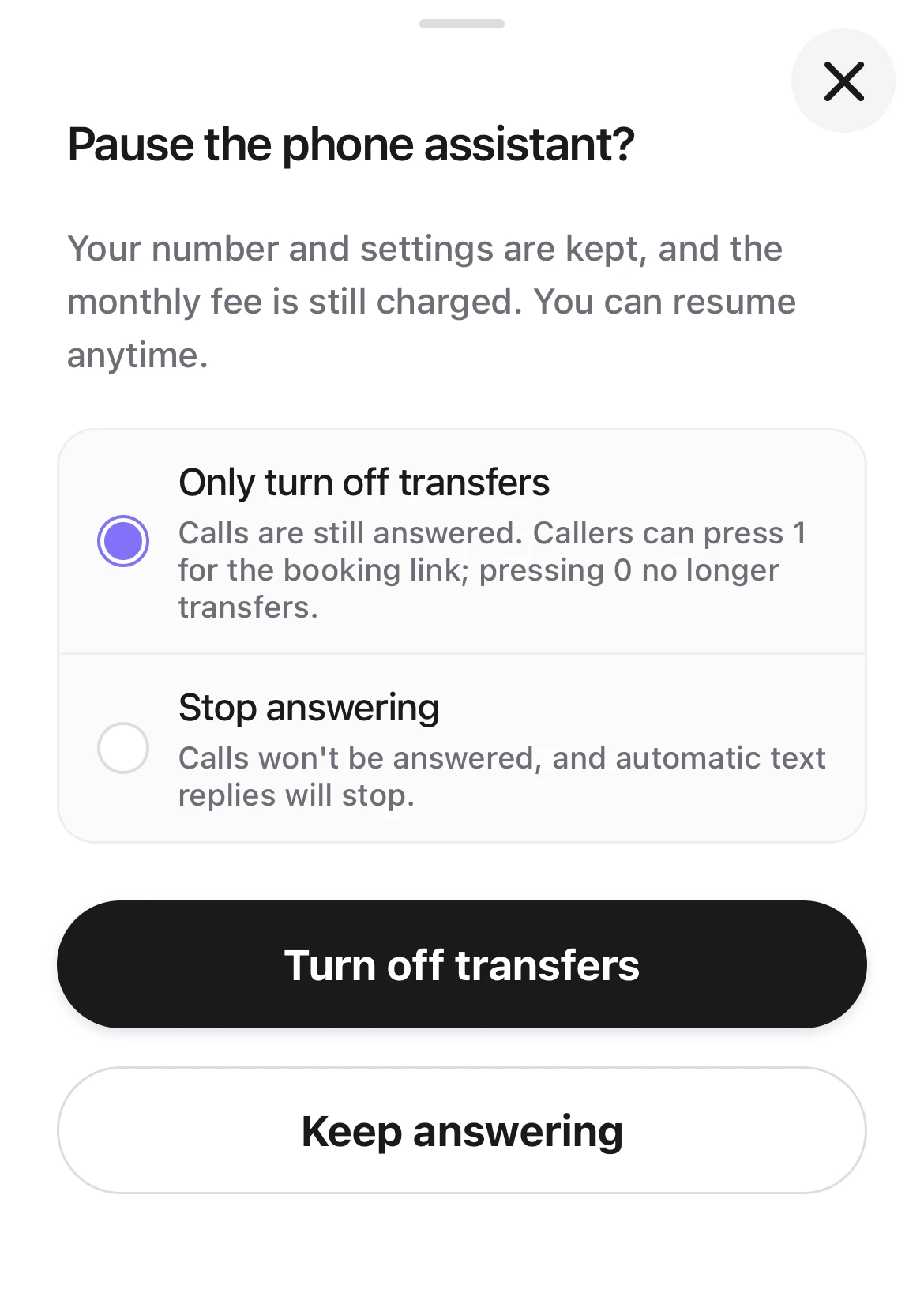
Pause the phone assistant? Two choices, Only turn off transfers and Pause calls and texts, with the confirm button and Don't pause.
Good to know
- While it is paused, your number and settings stay, and the monthly phone fee is still charged.
- To stop paying the monthly fee, go to “Settings › Plan & billing”, open “Phone assistant”, and tap “Stop the phone assistant”. After that, Kaila holds your number for 30 days.
- A manager can also change these settings, and can pause and resume the phone assistant.
- Until your texting is approved, “Auto-reply with booking link” sends nothing.